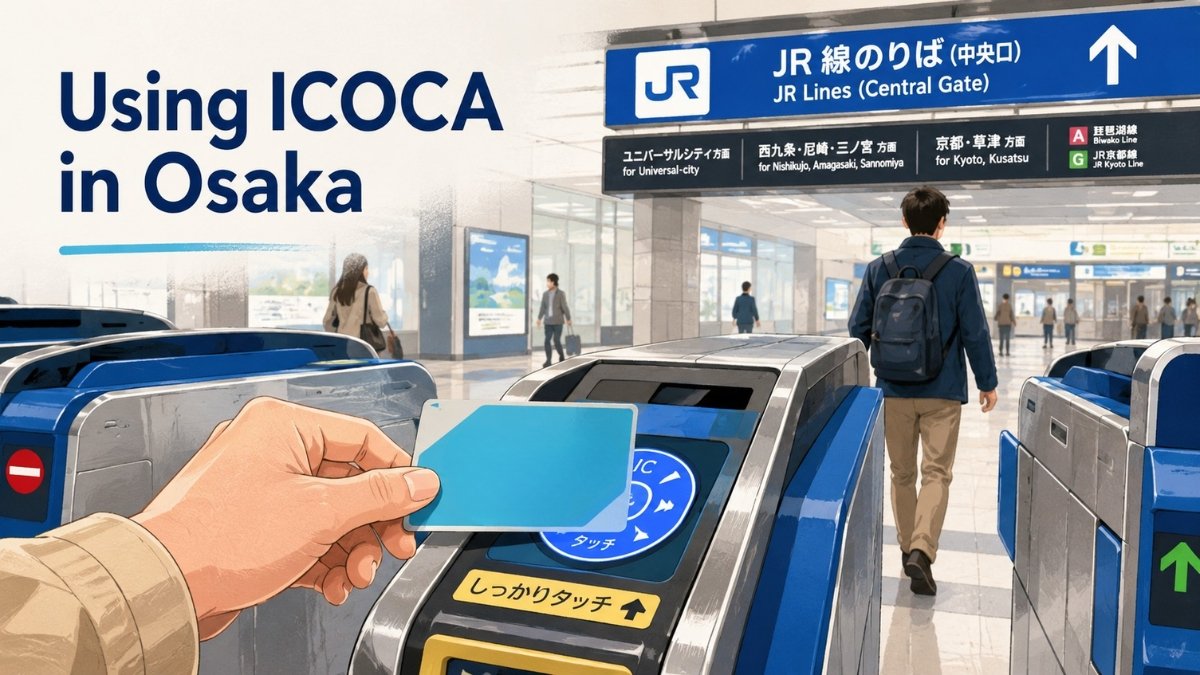
ICOCA is a rechargeable IC card—a tap-to-pay card for transport and small purchases—issued by JR West. For most first-time visitors, it is the simplest default for ordinary trains, Osaka Metro, and many buses: add money, tap at the reader, and let the system deduct the fare.
The important limit is that ICOCA is not an unlimited travel pass. It does not make every train free, and it does not replace the extra ticket or reservation required by some limited-express and Shinkansen journeys. Once that boundary is clear, the card is easy to use.
What ICOCA replaces—and what it does not
For an ordinary local train or subway ride, ICOCA replaces the paper fare ticket. You tap at the entry gate, take the train, and tap again at the exit gate. The correct fare comes from the stored balance.
It works across the main transport systems a visitor encounters in Osaka, including JR—the Japan Railways network—Osaka Metro, and participating private railways and buses. You can also use it in the compatible IC-card areas of other major Japanese cities. JR West lists mutual use with Suica, PASMO and the other principal regional IC-card networks.
That interoperability has boundaries. JR West says an ICOCA journey generally cannot cross from one IC-card area into another without leaving the system, and the card cannot be used by itself for the Shinkansen. A limited-express service may also require a separate limited-express ticket even when ICOCA pays the underlying local fare.
Think of ICOCA as the payment tool for everyday movement, not permission to board every train.
Choose a physical card or Apple Wallet
A physical ICOCA is the least complicated choice when you want a card that does not depend on a phone battery or compatible payment card. JR West sells it at ticket machines bearing the ICOCA mark and at JR West ticket offices. Its English purchase guide shows a standard ¥2,000 purchase: ¥1,500 of usable value plus a ¥500 deposit. JR West also states that credit cards cannot be used for that machine purchase.
If you arrive at Kansai International Airport, the JR station is beside the airport terminals rather than inside either terminal building. The JR West ICOCA guide shows the current purchase options. Our Kansai Airport to Osaka guide can help you decide whether JR, Nankai Railway, or another transfer fits your hotel before you buy anything.
Travelers with a compatible iPhone or Apple Watch can instead add ICOCA to Apple Wallet. JR West says Apple Pay ICOCA can be topped up remotely and used in Express Transit mode without unlocking the device. This is convenient, but it changes the end-of-trip decision: JR West says an Apple Wallet ICOCA cannot be refunded through Apple Wallet, so spend down the remaining value.
Refunds are possible through the ICOCA app for registered users, but require a Japanese bank account, so most overseas visitors should simply spend down the remaining balance.
If you already have a physical card, JR West allows you to transfer its remaining funds and card information into Apple Wallet. Treat that as a format change rather than a reason to maintain two separate ICOCA balances, and review the current transfer instructions before starting.
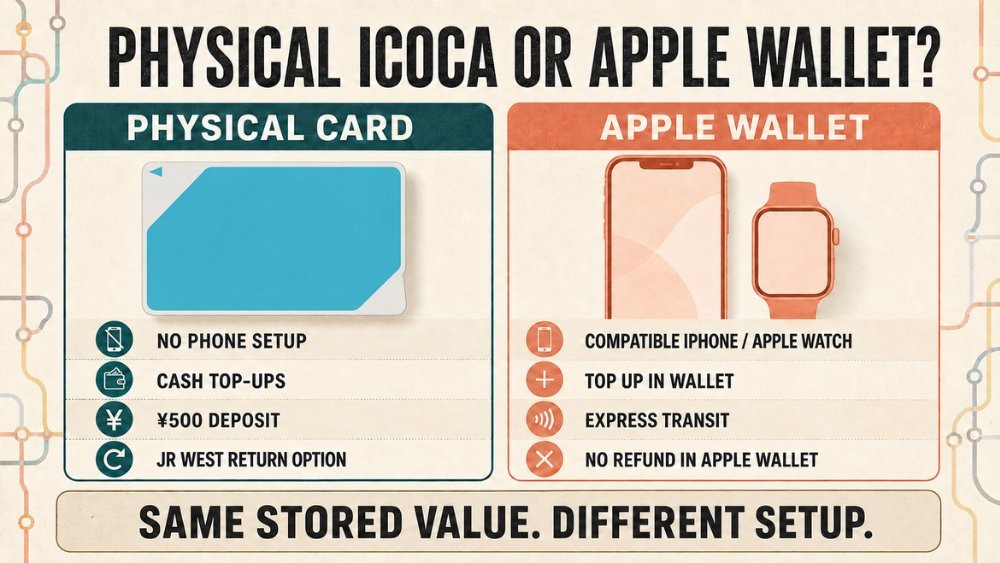
A physical card avoids phone setup and has a JR West return option. Apple Wallet is easier to top up remotely and supports Express Transit, but JR West says it cannot be refunded through Apple Wallet. Registered users can request a refund through the ICOCA app, but the remaining balance can only be paid into a Japanese bank account.
Buy first, then load a sensible amount
Start with enough for the airport transfer and the next day of city travel rather than trying to predict the whole trip. You can add value later at compatible ticket machines, recharge machines, fare-adjustment machines, and participating convenience stores.
At a JR West machine, choose English, select the charge function, choose an amount, place or insert the card as directed, and pay cash. JR West allows a balance of up to ¥20,000 and says credit cards cannot be used to charge a physical ICOCA at its station machines. At a participating shop, tell the cashier you want to charge the card and pay the top-up in cash.
Keep ICOCA away from other contactless cards when tapping. Osaka Metro warns that multiple IC cards, coins, and some other cards in the same holder can prevent a correct read. One card in an outer wallet pocket is faster than presenting the whole wallet and hoping the gate chooses correctly.
The tap sequence changes by transport
Trains and Osaka Metro: tap in, then tap out
At an automatic ticket gate, touch ICOCA to the illuminated reader for about one second. Use the same card when leaving. The screen normally shows the fare or remaining balance.
If you entered with ICOCA, do not try to finish the trip with a different IC card. The entry and exit records must match.
Osaka City Bus: board at the rear, tap when leaving
The live article previously described bus tapping too broadly. The correct sequence depends on the operator.
For Osaka City Bus, the operator’s current boarding instructions say to board through the rear door without tapping. Press the stop button for your stop, then touch ICOCA to the reader beside the farebox as you leave through the front door. The card pays one person’s fare; it is not a group ticket.
Other cities and bus operators may use a different system, including tapping when boarding. Read the sign beside the door or follow the operator’s instructions instead of applying the Osaka City Bus sequence everywhere.
Where ICOCA works beyond transport
The stored value can be used at shops displaying the ICOCA mark or a compatible nationwide IC mark. JR West lists convenience stores, restaurants, vending machines, station shops, and coin lockers among the common uses.
At a staffed register, say that you are paying by ICOCA, verify the amount, and tap once. At a vending machine, select the product and touch the reader until the confirmation sound. A shop may not allow ICOCA for every product, and JR West notes that electronic-money payments cannot always be combined with cash.
Shopping value and transport value come from the same balance. Spending the last few hundred yen on snacks is useful near the end of the trip, but less useful just before a train ride.
When you still need another ticket
ICOCA handles the base action on many local journeys, but these situations require another decision. JR West’s ICOCA usage-area notes explain the cross-area and Shinkansen limits.
| Journey | What ICOCA can do | What else may be required |
|---|---|---|
| Ordinary JR, Osaka Metro, or participating private-railway ride | Pay the regular stored-value fare | Nothing else for a normal eligible ride |
| Limited-express train such as HARUKA | May cover the base-fare portion when the route permits | A separate limited-express ticket and, where applicable, seat reservation |
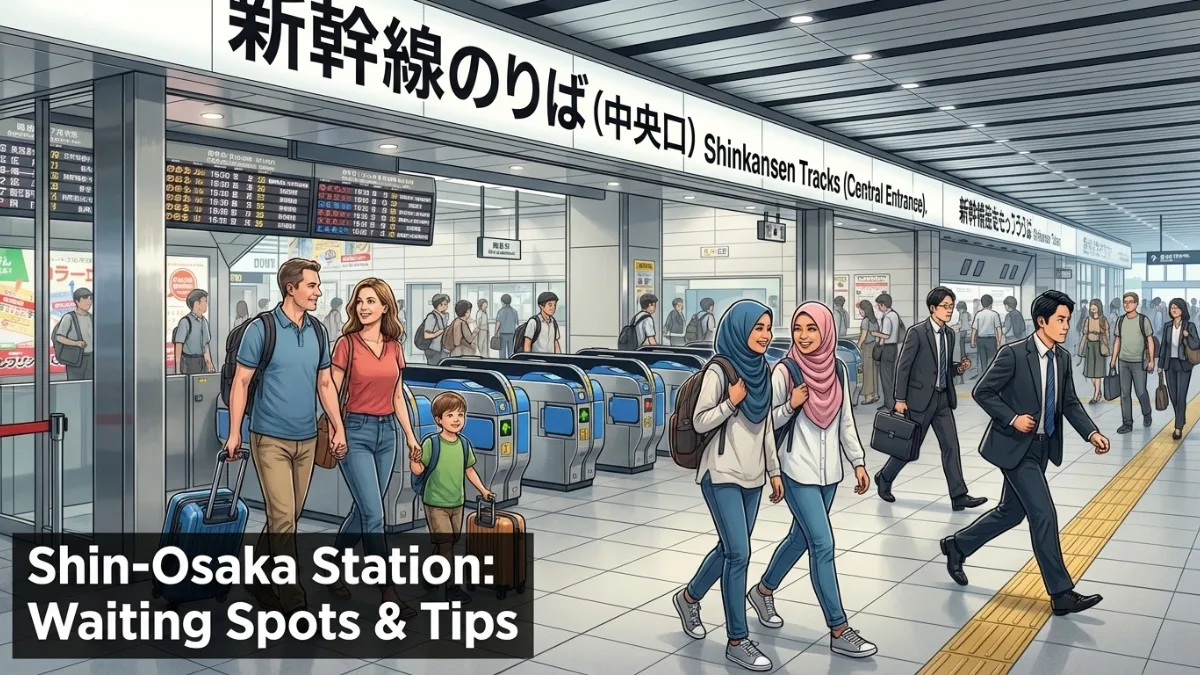
| Shinkansen | Can be registered as a boarding credential for some reservation services | The Shinkansen fare and reservation must be purchased separately |
| Journey crossing separate IC-card areas | Works within participating areas | A different ticketing method may be needed for the cross-area journey |
| One-day sightseeing plan | Pays each eligible ride separately | A pass may be cheaper if its exact coverage matches your route |
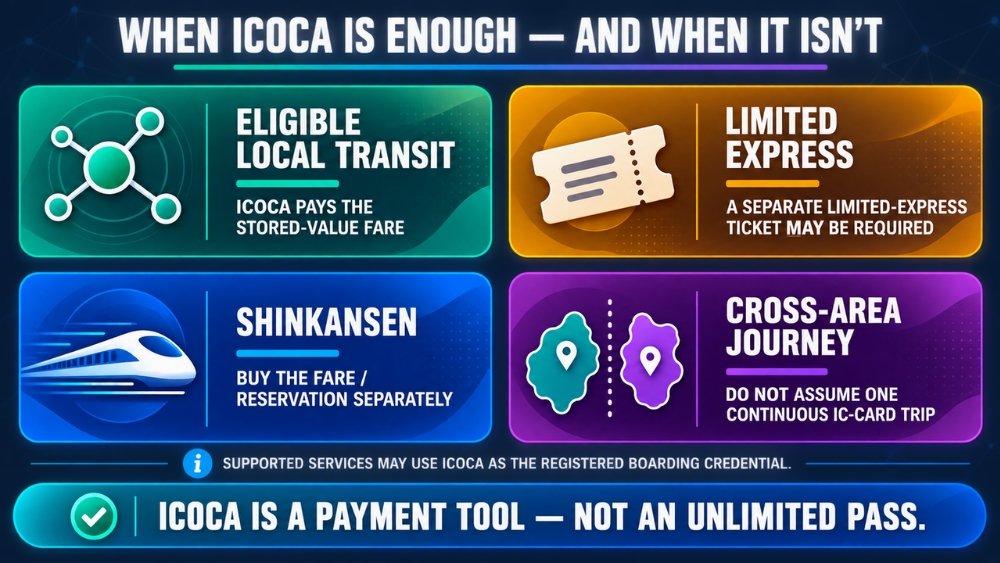
ICOCA normally pays eligible local stored-value fares. Limited-express, Shinkansen, and cross-area journeys can require a separate ticketing step; on supported reservation services, ICOCA may act only as the registered boarding credential after the fare is purchased.
For high-speed rail, read how to buy Shinkansen tickets in Osaka before assuming the gate tap is the purchase. For a day concentrated on Osaka Metro and included attractions, compare the conditions in our Osaka Amazing Pass review. The card is simpler; the pass only wins when its coverage and your actual plan line up.
If the gate rejects the card
A red light or closed gate is usually a small record or balance problem, not a travel emergency. Move to the side so others can pass, then read the message on the display.
If the balance is too low, use the fare-adjustment or recharge machine inside the gate area. Osaka Metro says a card needs at least ¥10 to enter its subway and can be reloaded at compatible machines. If the machine does not solve the problem, show the card to station staff.
An incomplete trip can also block the next journey. This happens when the system has an entry record but no valid exit record—for example, after leaving through a staffed route without having the card processed. Tell the staff where you entered and how the previous journey ended. Do not repeatedly tap different gates; that does not repair the missing record.
On Apple Wallet, a phone problem requires a different recovery path. JR West provides a Service Mode procedure for unexpected processing errors. Keep enough battery for the journey and save the official Apple Pay ICOCA instructions if the phone is your only fare medium.
ICOCA, another IC card, contactless, or a pass?
You do not need to buy ICOCA merely because you landed in Kansai. A Suica, PASMO, or another compatible nationwide IC card you already hold will cover many of the same ordinary Osaka journeys. Using one existing card is usually easier than managing two balances.
Contactless bank-card payment is another narrow alternative. Osaka Metro accepts eligible contactless credit, debit, prepaid cards, and connected devices on its subway and New Tram, and introduced the option on Osaka City Bus and Imazato Liner in November 2025. It charges the regular adult fare and does not turn the same bank card into a universal solution for JR and every private railway.
Choose ICOCA when you want broad local-transit compatibility and small purchases. Keep another compatible IC card when you already have one. Use contactless when your trip is mostly within the supported Osaka Metro network and adult-fare simplicity matters. Buy a pass only after the route math is clear.
At the end of the trip
Three sensible options remain: keep the physical card for a future visit, use the balance for eligible transport and purchases, or return it at an eligible JR West ticket office. JR West’s current English guide says the ¥500 deposit is returned; when stored value remains, the balance and deposit are refunded after a ¥220 handling fee is deducted. If the balance is below ¥220, the remaining balance is deducted and the ¥500 deposit is returned.
For Apple Wallet ICOCA, use the balance rather than planning a Wallet refund. A convenience-store purchase or station vending machine is often the easiest way to bring a small remainder down, provided you have already paid for the transport still ahead.
The simplest Osaka setup is one card, one known balance, and a clear understanding of the journeys that need something extra. That removes most fare-machine decisions without pretending that Japan’s entire rail network works as one tap-and-go system.